
Contour
Morph synthesizer for iPhone & iPad
Move one finger across a map of four instrument timbres and play the continuous sound in between.

Free to start. Contour Pro is a single, one-time purchase.
If the middle doesn't sound like the middle, a finger can't learn the pad.
Contour is four instruments on a map and one finger moving between them. Each corner is a small model trained on one real instrument. It doesn't output sound, it outputs a description: loudness, harmonics, noise. A plain additive synth plays that. Between corners I blend the descriptions, so you hear one new tone, not two stacked.
I tried a plain crossfade first. In an early test a 50/50 mix of two instruments landed anywhere from 5% to 95% of the way across, because the stronger spectrum won.
Before training anything I ran four real notes through analysis and back out. Reed, brass and string came back close. The mallet didn't: its partials between the harmonics have nowhere to go but noise. That's roughly how Contour became a drone and pad instrument.
Current iPhones can't feel how hard you press, so Contour cheats. Press harder and your fingertip squashes flat, the touch gets wider, and that width is loudness. The one colour on screen is borrowed from the green glow of old VFD clock displays, a bit bluer and softer. I keep it for what's live: your finger, the pitch cursor, the readout.
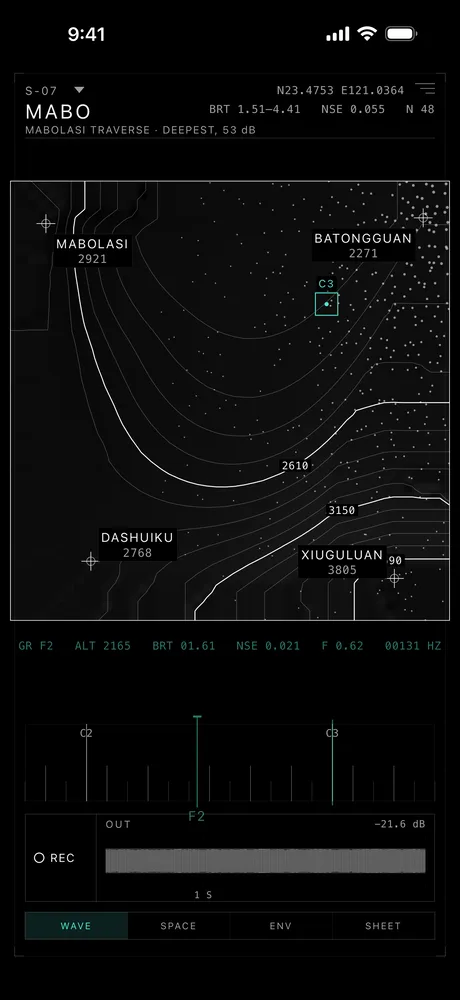
On iPhone & iPad
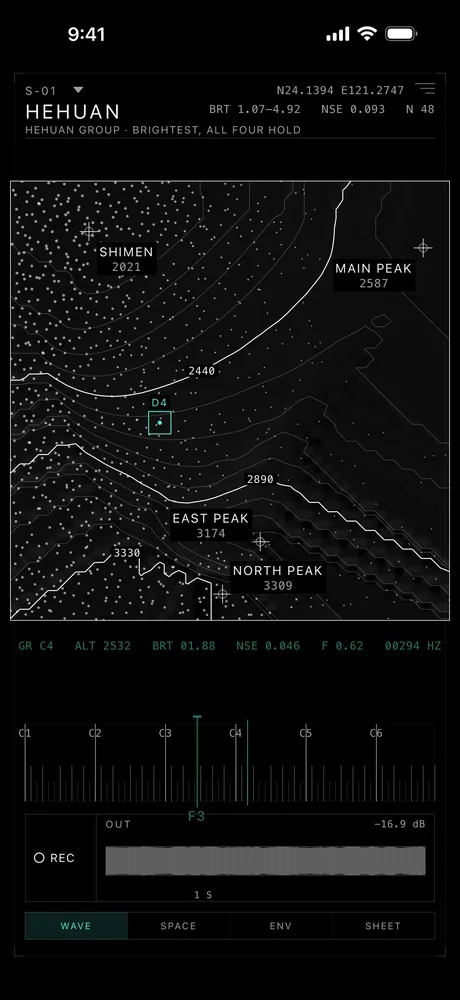
Sheet S-01, a note sounding. 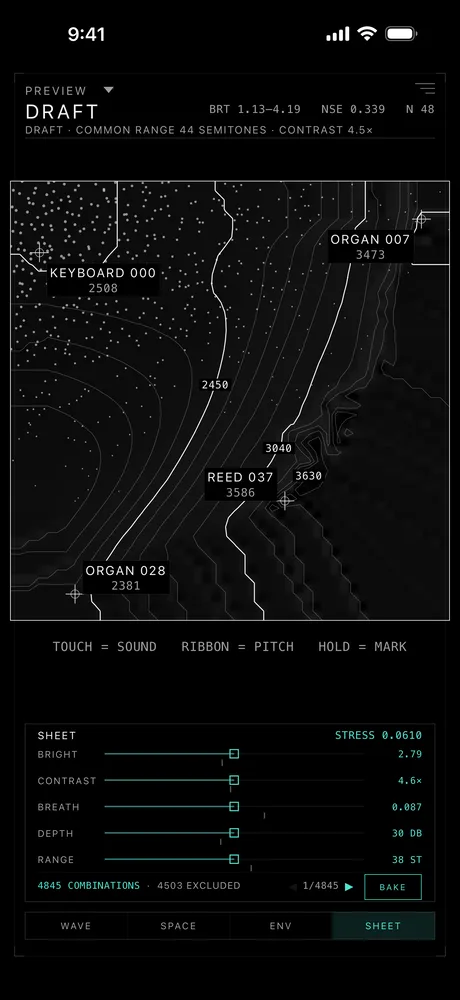
Composing a sheet (Pro). 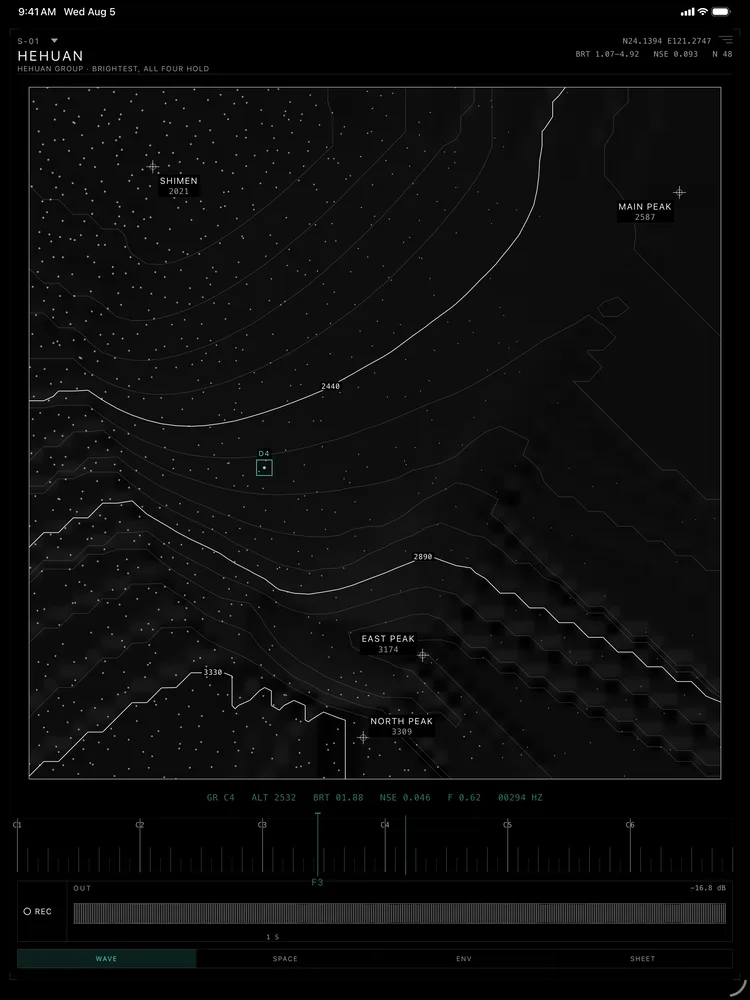
On iPad: the whole sheet, the readout, the ribbon and the scope.
What each part does
Sheet
S-01, the first sheet.
Peaks
Each corner is a named peak and its height.
Finger
The cyan square is your finger: D4.
Readout
Live values in fixed-width columns.
Pitch ribbon
Out
The output scope.
Tabs
Wave, Space, Env, Sheet.
Details
- Formats
- Standalone and AUv3
- Runs on
- iPhone & iPad
- Requires
- iOS & iPadOS 16 or later. AUv3 needs a compatible host app.
- Price
- Free to start. Contour Pro is a single, one-time purchase.
- Version
- 1.0.4
- Updated
- Credits
- Corner instruments use decoders trained on the Google Magenta NSynth dataset, licensed under CC BY 4.0. NSynth dataset (opens in a new tab)
Free to start. Contour Pro is a single, one-time purchase.
Get Contour
More from nono.audio


Contour