
PocketTone
Retro pocket synth for iPhone & iPad
A hand-drawn retro pocket synth: five lo-fi voices, ten rhythms, a voice you program with an eight-digit code, and a calculator you can play.

Free to start with Piano, Flute, two rhythms and the calculator. PocketTone Pro is a one-time US $3.99 unlock with no subscription; prices vary by region.
Every voice starts as a 1-bit pulse.
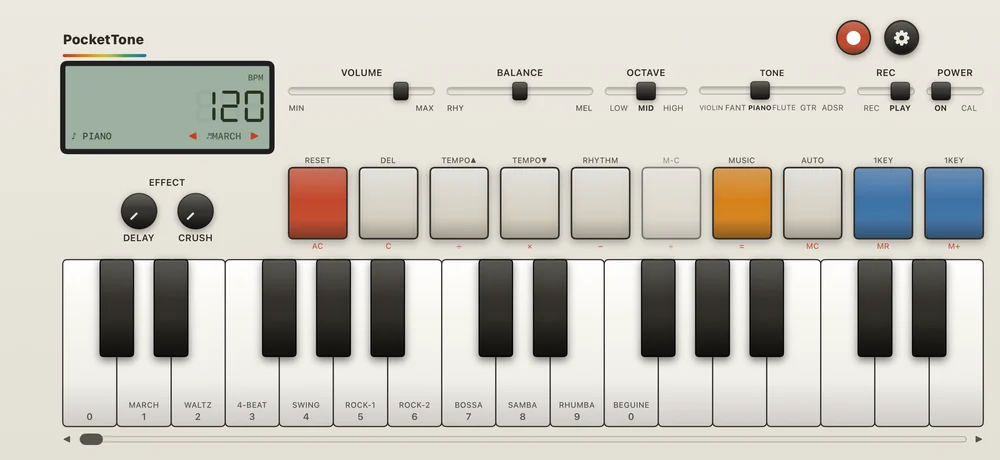
PocketTone is a love letter to the little calculator-synths of the early '80s: a tiny keyboard, a green LCD, ten rhythms and a working calculator in one strip of cream plastic. Every switch, fader and domed cap is drawn, not photographed, and the digits on the white keys really are the calculator's keypad.
No saws, no samples. Piano is a pulse that stays high for about 70% of each cycle, Fantasy is a square an octave up, and Violin is five uneven pulses per cycle. My first violin had even pulses and sounded far too clean. The uneven spacing is where the buzzy reed comes from.
The drums are only three sounds: a low click, the same click an octave up, and a short burst of noise. All ten rhythms are built from those three, from a two-beat March to an eighteen-beat Rhumba, and they never stop the melody.
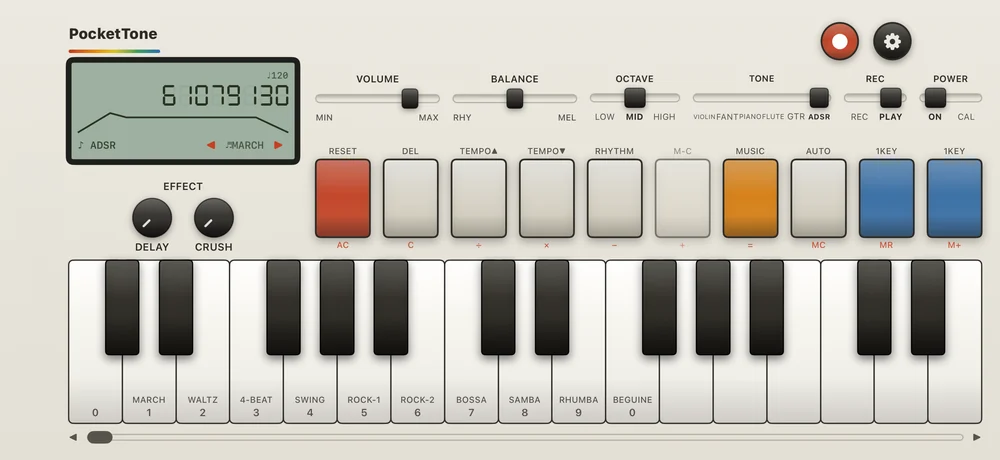
The first versions had sliders for the ADSR voice, and a two-star review called it terrible. It was right. The original sets that voice with an eight-digit code typed on the calculator keys, one digit each for the wave, attack, decay, sustain level, sustain time, release, vibrato and tremolo. So since 1.1.0 PocketTone does exactly that. Try 61079130 for an English horn.
On iPhone & iPad
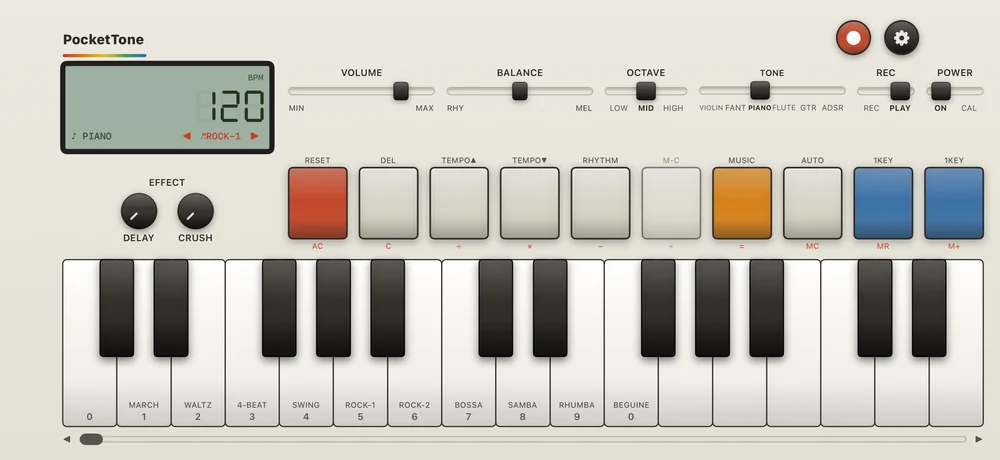
Rock-1 running under the melody. 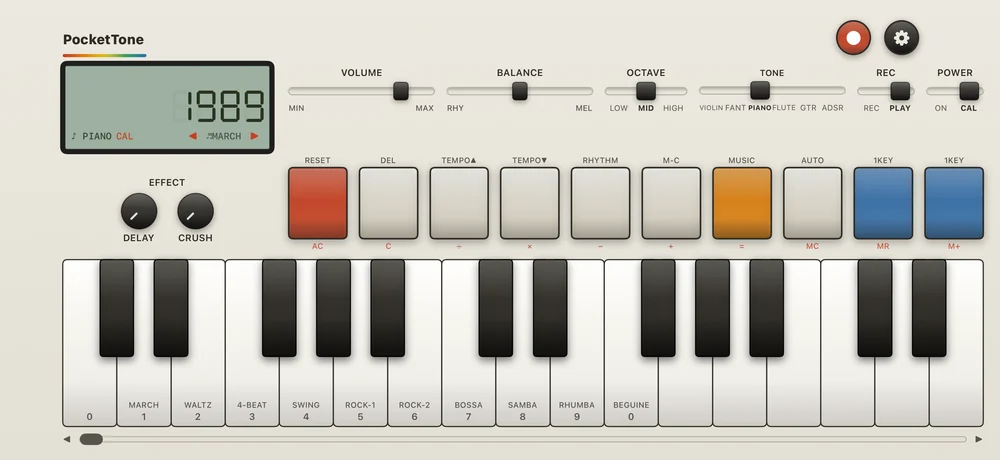
POWER on CAL: the keys are a calculator, and every digit is a note. 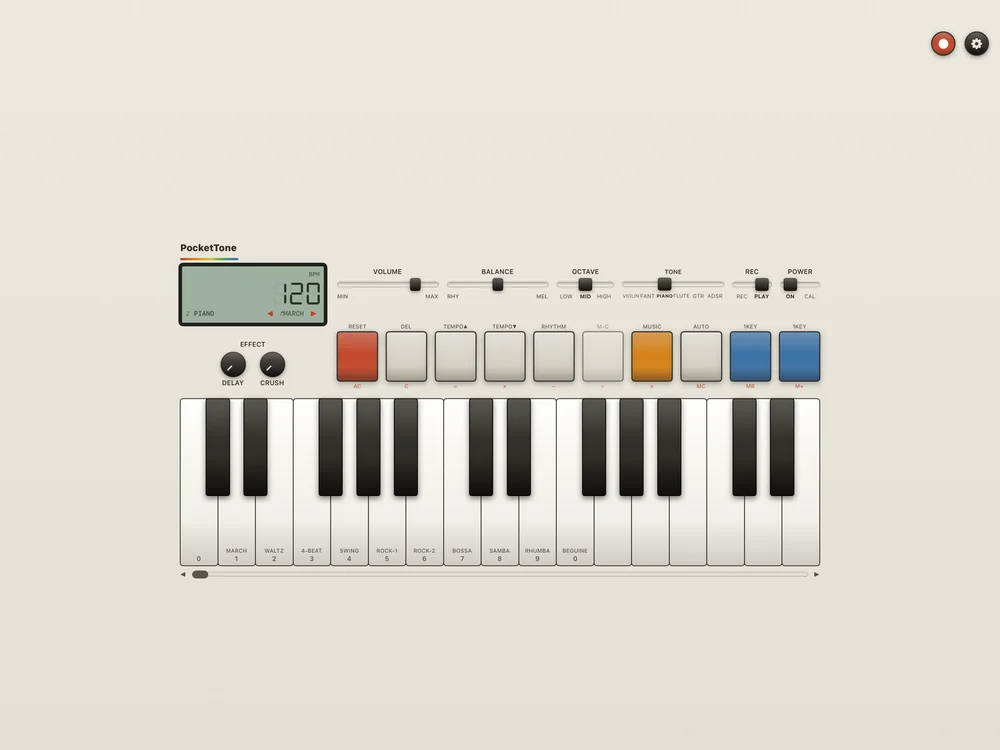
On iPad: the same instrument, centred on the cream panel.
What each part does
LCD
Tempo in seven-segment digits, the voice, and ◀ ▶ to change the rhythm.
Tone
Violin, Fantasy, Piano, Flute, Guitar and ADSR.
Power
ON plays the synth. CAL turns it into a calculator.
Record and Settings
Effect
Delay and Crush.
Function keys
The music job is printed on top, the calculator job in red below.
Keys
Rhythm names and calculator digits on the white keys.
Keyboard window
Slide it to reach the rest of the three octaves.
Details
- Formats
- Standalone
- Runs on
- iPhone & iPad
- Requires
- iOS & iPadOS 17 or later. Landscape on iPhone; any orientation on iPad.
- Price
- Free to start with Piano, Flute, two rhythms and the calculator. PocketTone Pro is a one-time US $3.99 unlock with no subscription; prices vary by region.
- Version
- 1.1.0
- Updated
Free to play. PocketTone Pro is a one-time unlock, no subscription.
Get PocketTone
More from nono.audio


PocketTone