
Keep your loops
Save a loop with its pack, key and tempo, and pick it up again later.
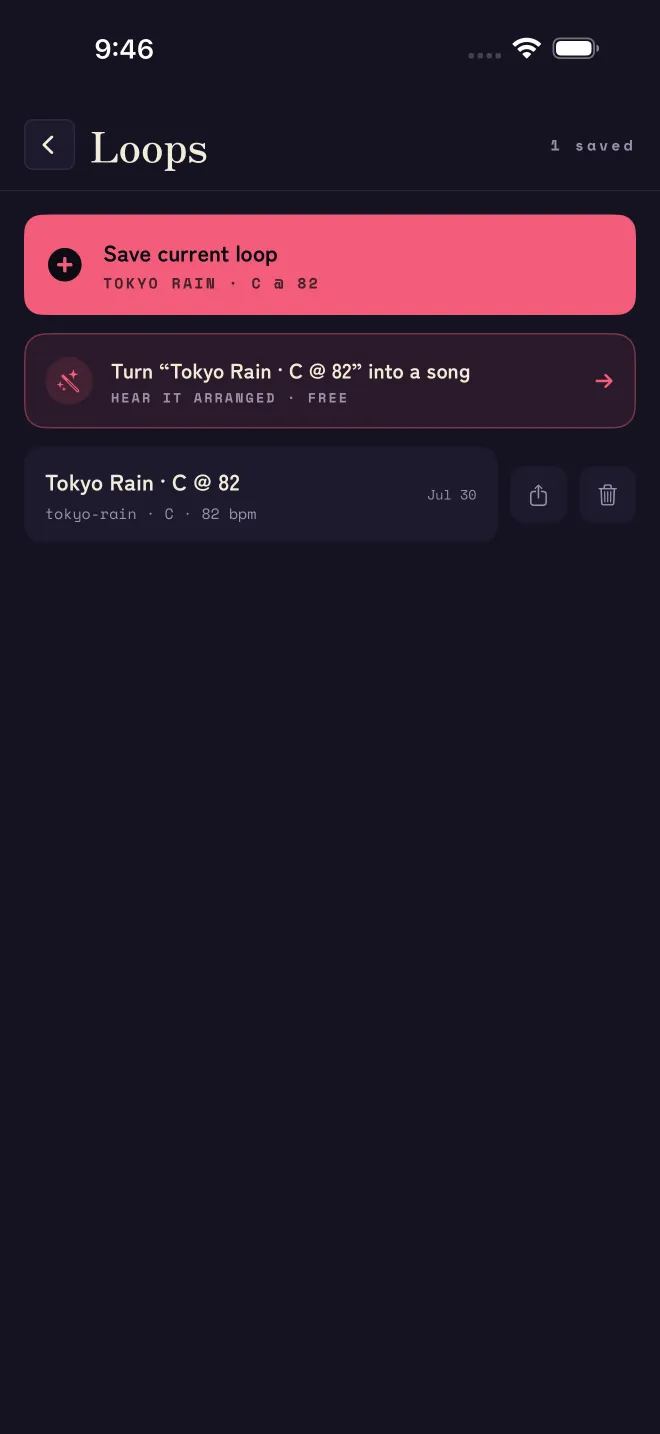
Open the library from the top-left icon on the playing screen. Tap Save current loop and it lands in your library with its pack, key and tempo remembered. Re-open one any time to keep playing, or to export it.
Right after you save, the library offers to turn that loop into a song: HEAR IT ARRANGED · FREE. That is Matcha Magic.
Everything stays on your device — no account, no cloud, no sign-in. To remove a loop, delete it in the library; to remove everything, delete the app.
Related
Still stuck? Write to zhi@nonoaudio.com. Support page