
Catch four bars
Record four bars of your own playing, then keep them as a loop.
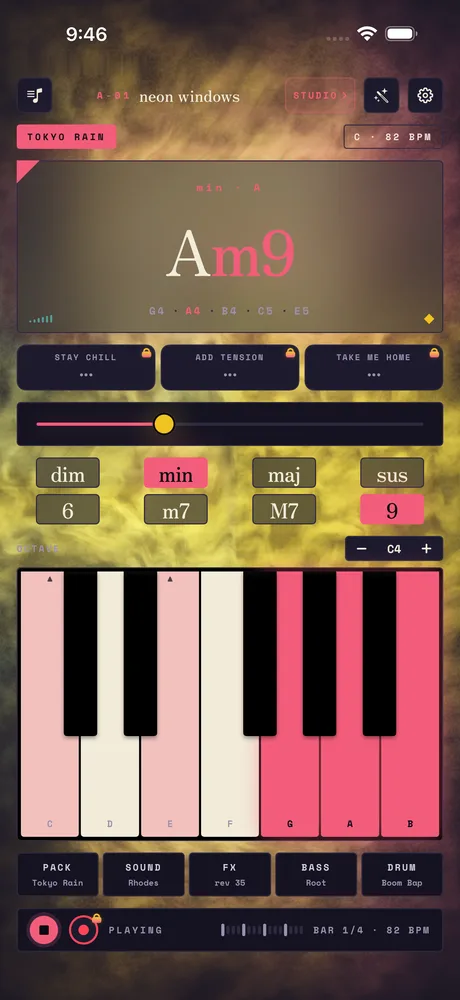
Recording is part of Studio — playing, the packs and live MIDI are free; keeping what you played is the paid half. Until Studio is unlocked, the red circle wears a small lock, and tapping it shows you what Studio adds. Once it is unlocked:
Press play. The drums and bass join and loop four bars.
Play along — change chords, drag the voicing, find something you like.
Tap the red circle. Matcha records your next four bars as they play. If the transport is stopped, it starts it for you.
Tap it again to stop. The bar count and tempo sit to the right of the transport.
To keep what you caught, open the library and tap Save current loop. See Keep your loops.
Related
Still stuck? Write to zhi@nonoaudio.com. Support page