
Calibration
Trim the level against a 94 dB reference, or load your measurement mic's own calibration file.
Calibration lives in Settings → Device and is part of Pro. There are three layers, and they stack:
- Device compensation. On models SoundMess Lab has a curve for, Pro applies it automatically and the device pill turns to
Calibrated. Those are the iPhone 12, 13, 14 and 15 families, iPhone SE (2nd and 3rd generation), iPad Air (4th generation, Wi‑Fi) and the Wi‑Fi 11-inch and 12.9-inch M2 iPad Pro. Other models, cellular iPads included, stay inBaseline. - Reference-tone trim. Shifts every SPL reading so it matches a known 94 dB source.
- External mic file. Applies the calibration curve that came with a measurement microphone.
Open Settings → Device →
Reference-tone calibration. You need a 94 dB SPL, 1 kHz source: a handheld acoustic calibrator, or a known-good calibrated speaker playing a 1 kHz tone at 94 dB. TapI have a 94 dB reference.Position the phone. Hold the primary microphone (the bottom edge on iPhone, the top edge on iPad) 2–3 cm from the source, in a quiet room. Tap
I'm in position.Hold steady while SoundMess Lab averages the level over 3 seconds.
Check the trim. It shows
Measured,Reference(94.0 dB SPL) and theTrimbetween them. TapApply trim, orRetry.
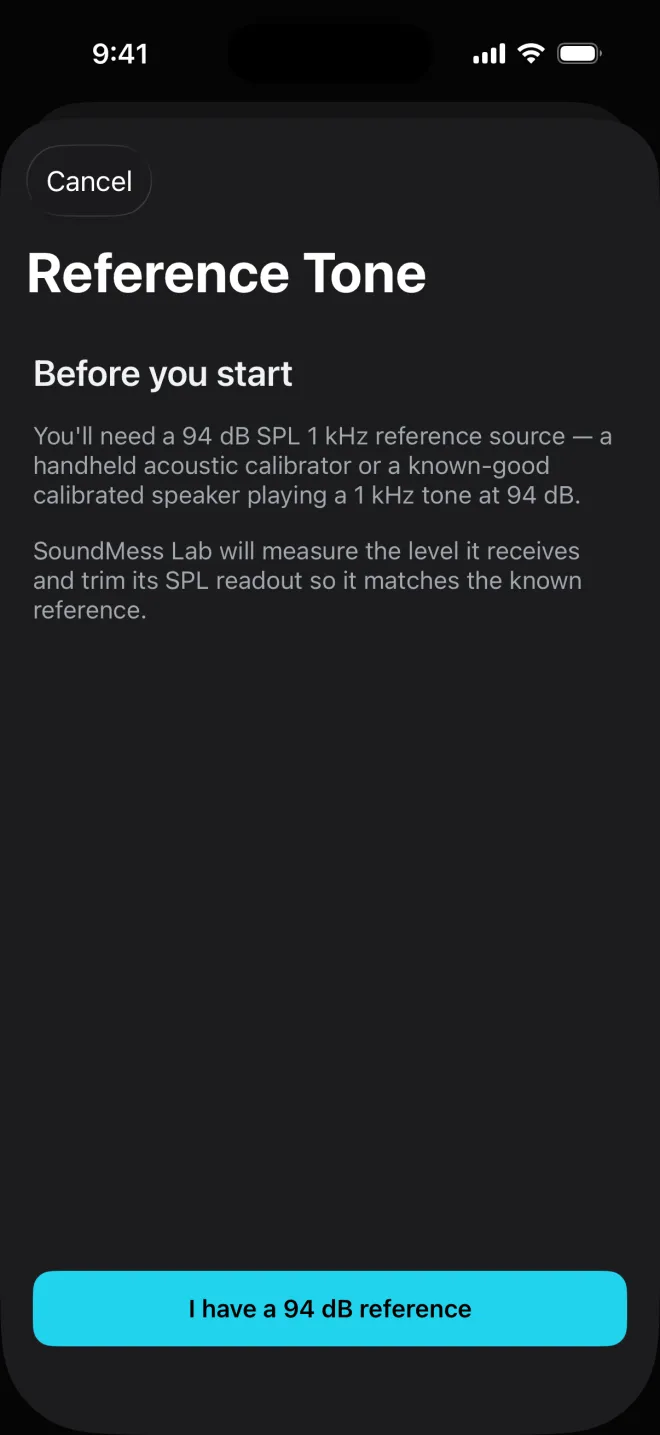
The trim then applies to every future SPL reading. Settings shows it next to Reference-tone calibration (for example +3.2 dB), and Clear calibration trim removes it.
A measurement microphone usually comes with a calibration file for that exact capsule. Connect the mic, then in Settings → Device tap Import external mic cal file and choose the file in Files.
- Formats:
.txtor.frd, one point per line as frequency and dB (a third phase column is ignored), separated by spaces, tabs or commas. - Comments: lines starting with
*,#,;or//are skipped, as is a header before the first data line.
Once imported, Settings shows the file's name under External mic, the device pill shows that name with Calibrated, and Clear external calibration removes it. Check Measurement info to confirm the external mic is the active input.
Related
- How far to trust itPhone microphones are good in the middle and unreliable at the ends. SoundMess Lab shows you which is which.
- Sound levelThe big number, its weighting, and what LEQ, L10, L90 and MAX say about the session so far.
- Themes and settingsSix themes, the measurement defaults, calibration, and three Shortcuts.
Still stuck? Write to zhi@nonoaudio.com. Support page